How to find Freshdesk ticket ID?
- Navigate to your Freshdesk account and go to the tickets section.
- Find the ticket you want to include in the Custom Demo.
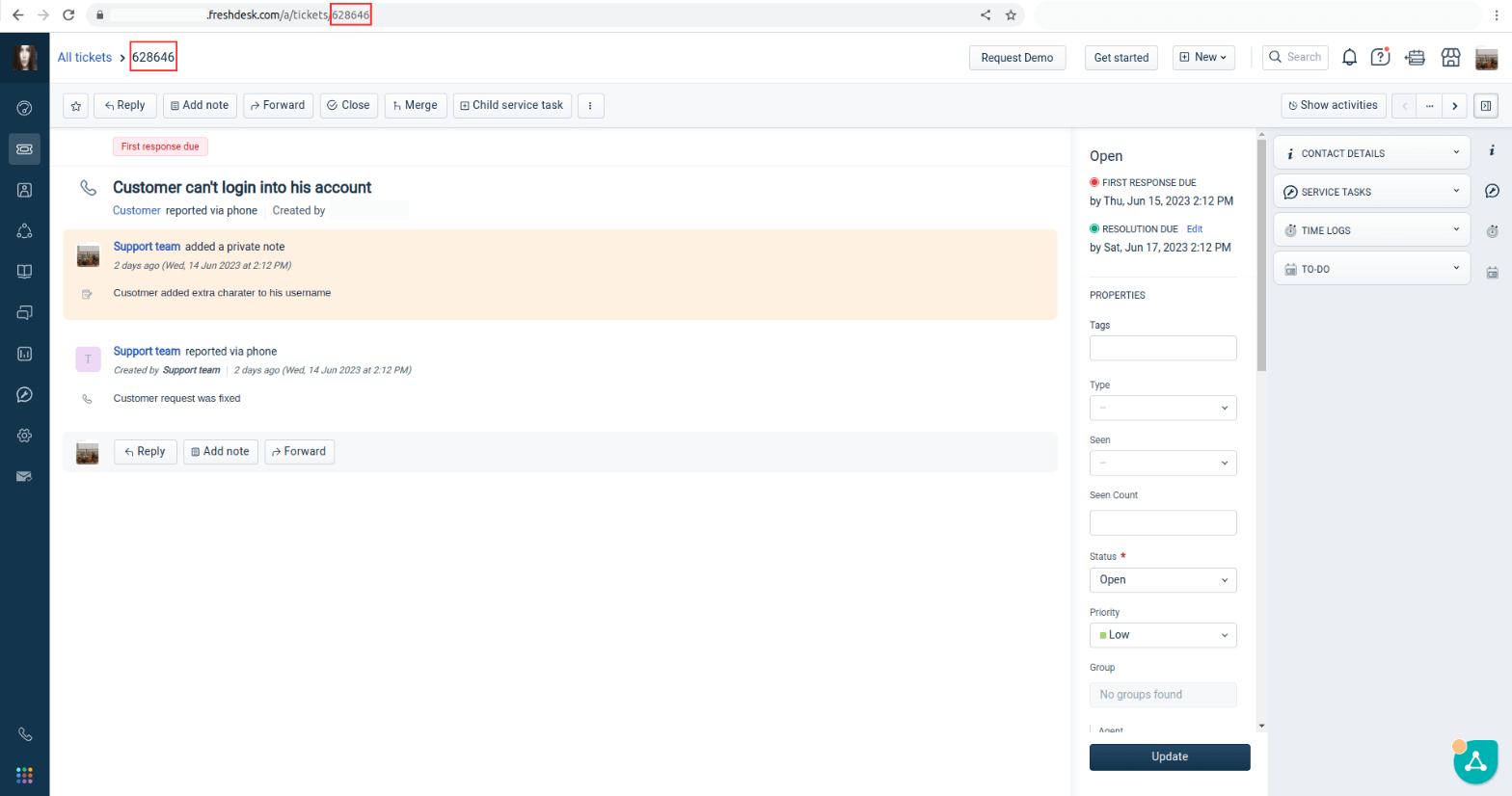
- Look for the ticket ID in the URL or above the ticket action bar.
- Input the ticket ID into the Migration Wizard.
Looking for more data migration details?