How can end-users access a portal in Freshdesk after the data migration?
Even though it's not complicated, accessing a portal after the data is imported to Freshdesk is a pitfall for many. Thus, we decided to cover the process in detail to help you out. We hope that this guide will make things clear for you.
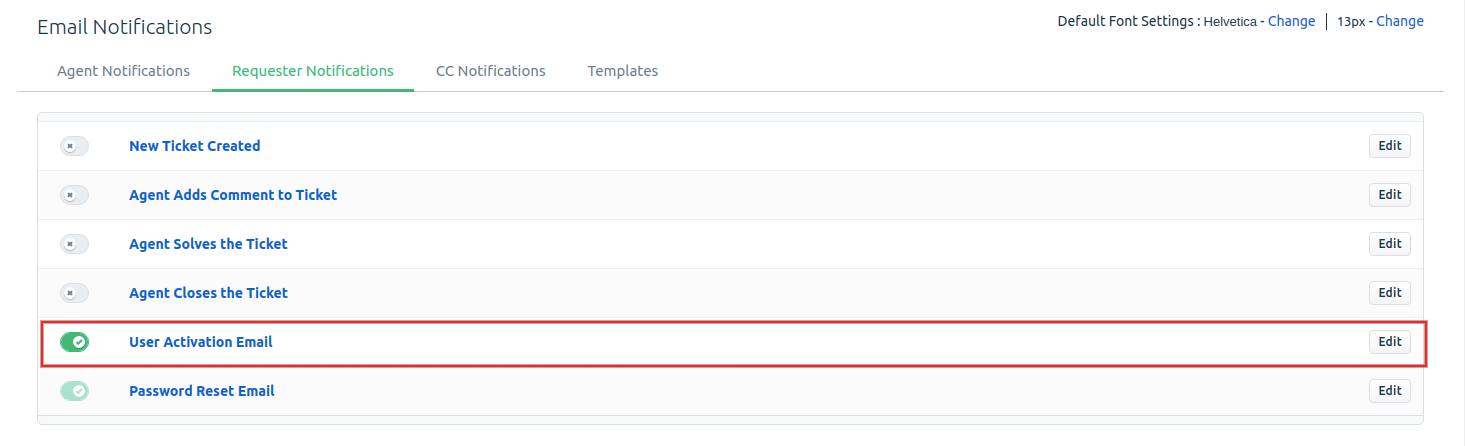
Upon the transfer to Freshdesk, agents need to accept the activation email. The activation email will only appear if the 'User Activation Email' button is turned on.
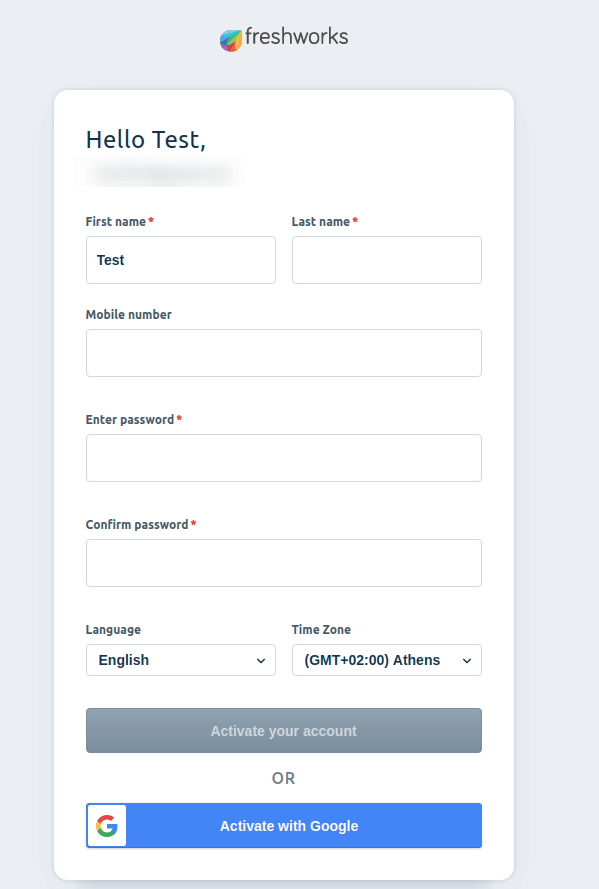
If the button is enabled, after the data migration, end-users will receive the activation email where they can click on the activation link. This will open an 'Activate your account' landing page, where they'll need to provide their full name and create a password. After that, they'll be active and able to log in to their account.
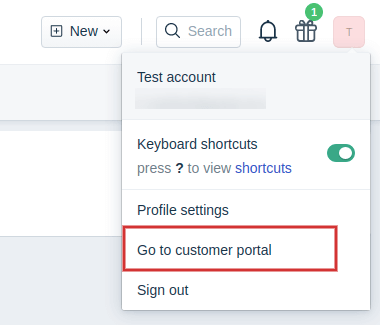
Next, they can click on their profile icon and hit the 'Go to customer portal' button, which will redirect them to the portal page immediately.
The user will be redirected to the portal page immediately.
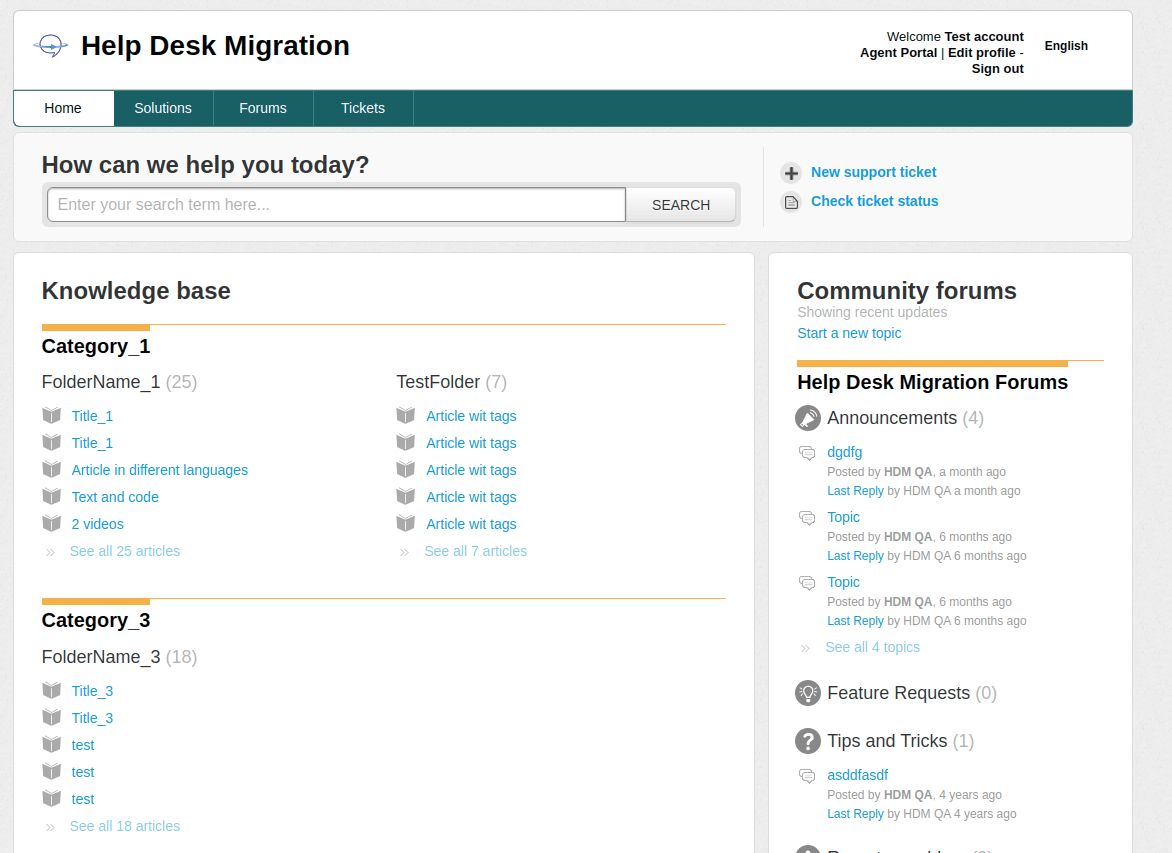
Having completed all the previous steps, the end-user in Freshdesk can:
- View Tickets
- Search for tickets
- Create tickets
- Update certain fields in tickets
- Comment on tickets
- View articles and sections
- Search articles
Looking for more data migration details?