How to disable Parent-Child ticketing in Freshdesk?
In Freshdesk, users with Estate and Forest plans can divide complex tickets into smaller sub-tickets to resolve issues faster. However, this feature can pose problems during migration, as the Parent-Child relation field is mandatory for tickets of the Task type. If any ticket with this type lacks the necessary Parent-Child field info, the Migration Wizard cannot transfer it, resulting in migration failure.
To prevent this, we recommend disabling this feature in your Freshdesk account. Here's how:
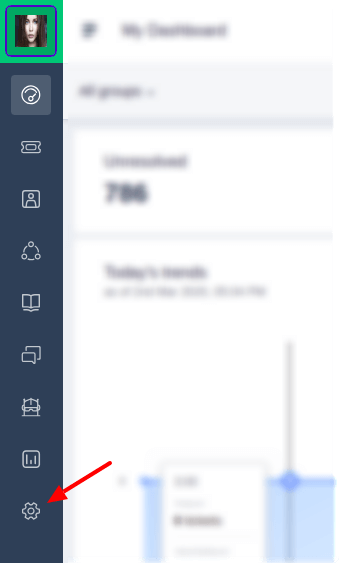
1. Login as an Administrator and navigate to the Admin section.
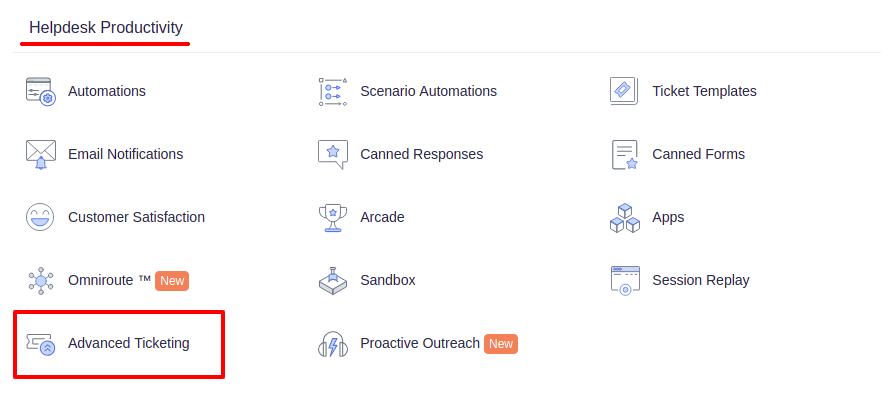
2. Scroll down to the Helpdesk productivity and click Advanced Ticketing.
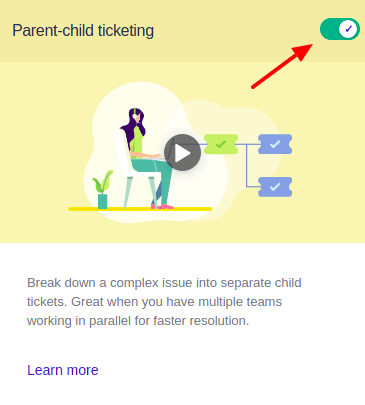
3. Toggle off Parent-child ticketing in the upper right.
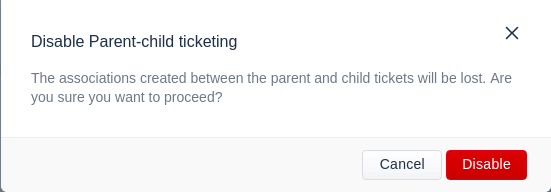
4. Confirm the action by clicking Disable.
5. You'll receive a notification confirming the feature's disablement, allowing you to proceed with data migration.

Looking for more data migration details?