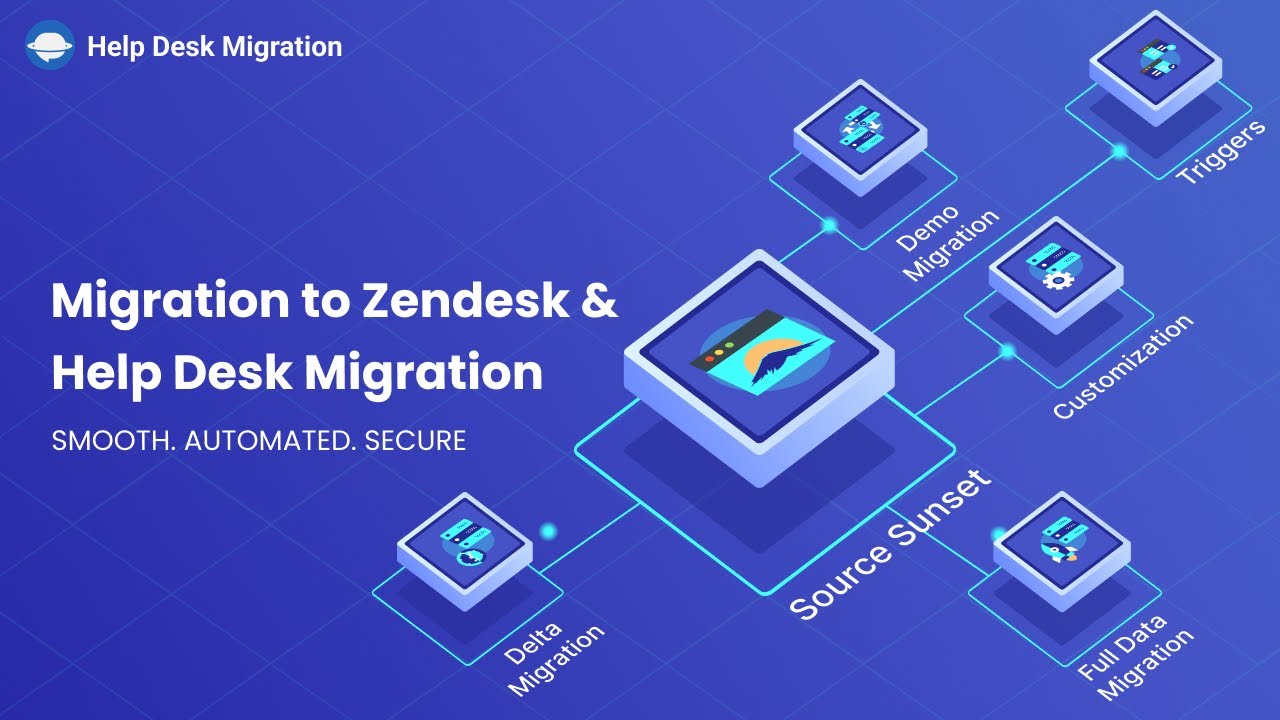
Need to migrate to Zendesk but don’t know which way to start? Watch our video guide to see how Help Desk Migration makes your Zendesk migration fast, secure, and fully automated — simplifying every step from connecting platforms to the Full Migration.
When your support team is overwhelmed by a growing backlog of tickets, and you’re searching for a more scalable solution, the challenge often lies in how to move your existing data safely. With Help Desk Migration Zendesk services, you simply connect your Source and Target platforms in the Migration Wizard, and watch your data flawlessly transfer to Zendesk without disrupting your workflows.
In this video guide, you find out how to transfer tickets, contacts, attachments, and custom fields from other help desks, CSV files, or even merge Zendesk instances, helping you consolidate customer data in one place. Built-in features such as agent matching and ticket field mapping maintain consistency and preserve relationships between records. Additional customization options allow you to add tags to migrated tickets, convert inline images into attachments, or skip large files to speed up the process. These capabilities make every Zendesk migration flexible and aligned with your business needs.
To ensure accuracy before the Full Migration, you can run a Free Demo Migration and review how your records will appear in Zendesk. The process can be scheduled at a most suitable time; you can re-run the Demo migration if adjustments are needed.
Delta migration minimizes the risk of downtime and service interruptions during or after your transition. By transferring only the records created or updated after the Full Data Migration, it allows your support team to continue working in the source system while the migration runs in the background — no ticket freezes, workflow disruptions, or impact on customer experience.
It also fastens the transition to your new help desk by ensuring the most recent tickets and updates are already available in the target platform. With data automatically synchronized, there is no need to manually recreate records, which helps prevent common errors such as missed updates, duplicated tickets, or incomplete conversations.
Delta migration is especially valuable when your support operations can’t afford to pause, and data keeps changing during migration. Ensure a smooth, secure, and complete transfer to Zendesk — start your Full Migration with Help Desk Migration. Move all tickets, contacts, attachments, and knowledge base articles automatically, preserve custom fields and tags, and keep your support operations running flawlessly. Get started now and consolidate all your customer data with confidence!